Why you can trust Sunlight Media
- Expertise and Experience:Our content is crafted by seasoned professionals with extensive experience in digital marketing, ensuring you receive accurate and actionable advice.
- Unbiased Information:We provide impartial insights and recommendations based solely on what's best for your business, without any hidden agendas or promotions.
- Thorough Research:Our articles are backed by comprehensive research and the latest industry trends, ensuring you stay informed with reliable and up-to-date information.
- Transparency and Honesty:We believe in complete transparency. We disclose our sources, methodologies, and any potential conflicts of interest, so you can trust the integrity of our content.
- Continuous Improvement:We constantly review and update our content to reflect the latest developments in digital marketing, so you always have access to the most current and relevant information.

Ubuntu Server 25.10 “Questing Quokka” introduces memory-safe Rust utilities, experimental TPM-backed encryption, and Linux Kernel 6.17 for enhanced enterprise security and performance.
Key Takeaways
- New Security Architecture: Ubuntu 25.10 replaces legacy tools with Rust-based
sudo-rsand defaults to post-quantum OpenSSH 10.0. - Hardware Integration: The installer now supports experimental TPM-backed Full Disk Encryption for secure, password-less booting on supported hardware.
- Updated Core: Powered by Linux Kernel 6.17, the system offers improved support for Intel TDX, next-gen processors, and optimized file systems.
Setting up an Ubuntu server for personal or commercial projects remains a straightforward process in 2025. Ubuntu Server is a leading open-source operating system choice for most infrastructure projects. The installation process uses a text-based menu (Subiquity) rather than a graphical interface.
This guide covers the essentials of Ubuntu Server, its 2025 features, and the installation process using a USB flash drive.
What is Ubuntu?
Developed by Canonical, Ubuntu is a versatile operating system. Its open-source nature allows global collaboration and operation on most hardware and virtualization platforms. A proper installation ensures you can host websites, file shares, and containers effectively.
Ubuntu Server adapts to various environments, including public clouds, private data centers, edge devices, and the Internet of Things (IoT). It provides enterprise-grade security and seamless deployment tools for administrators.
Newest Features in Ubuntu Server 25.10
The 25.10 “Questing Quokka” release (October 2025) introduces significant changes to the system architecture and security posture.
Memory-Safe Utilities
Ubuntu 25.10 transitions core system tools to memory-safe programming languages. The system now uses sudo-rs, a Rust-based implementation of the sudo command. This change eliminates common memory vulnerabilities found in C-based legacy tools. Additionally, the system includes Rust-rewrites of standard GNU core utilities for better stability.
Enhanced Security and Encryption
The installer now offers TPM-backed Full Disk Encryption (FDE). This experimental feature binds encryption keys to your server’s Trusted Platform Module (TPM) chip. This allows the server to unlock the disk automatically during boot if the hardware integrity is verified, which is ideal for remote server deployments.
Core Infrastructure Updates
- Linux Kernel 6.17: Adds native support for Intel Trust Domain Extensions (TDX) and improves Btrfs file system performance.
- OpenSSH 10.0: This version disables DSA keys and enables post-quantum key exchange algorithms by default to protect against future cryptographic threats.
- Time Synchronization: The system defaults to
chronywith Network Time Security (NTS) enabled, preventing time-based attacks on encrypted traffic.
Choosing an Ubuntu Version
Selecting the correct version affects stability and feature access.
- Purpose: Use the latest interim release (like 25.10) for new hardware support and cutting-edge features. Use Long Term Support (LTS) versions (like 24.04 LTS) for production environments requiring stability for 5 to 10 years.
- System Requirements: Ubuntu Server 25.10 requires a minimum of 1 GHz CPU, 1 GB RAM, and 2.5 GB disk space. Production servers should use at least 4 GB RAM and 25 GB storage.
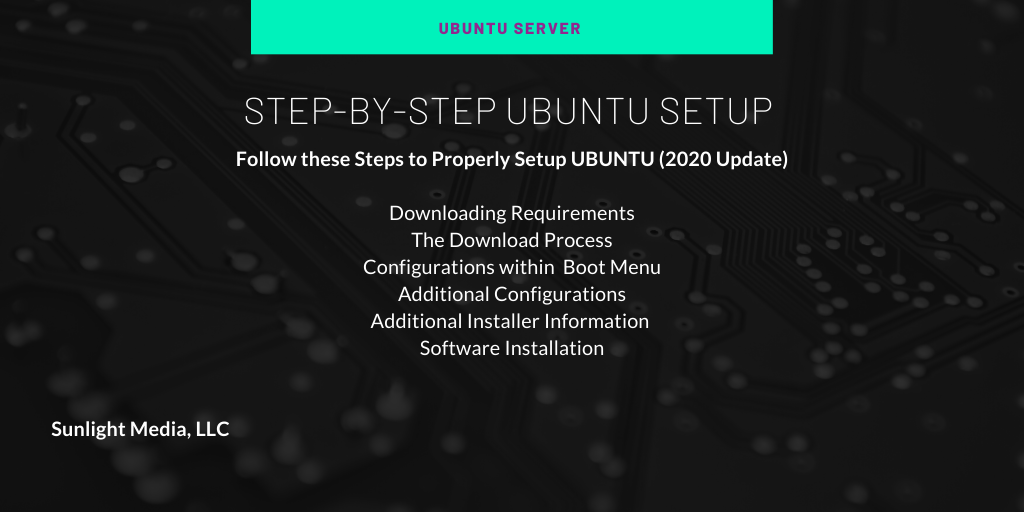
Creating Installation Media
You must create a bootable USB drive to install the OS.
- Download the ISO: Visit the official Ubuntu website and download the Ubuntu Server 25.10 or 24.04 LTS ISO file.
- Select a Tool: Use software like Rufus (Windows), BalenaEtcher (Cross-platform), or Ventoy.
- Flash the Drive: Insert a USB stick (8GB+ recommended). Select your ISO file in the software and click “Write” or “Start.” This erases data on the USB drive.
The Installation Process
Insert the USB drive into your server and restart the machine. Access the boot menu by pressing F12, F10, or Esc during startup (keys vary by manufacturer). Select your USB drive to boot.
1. Basic Configuration
The Subiquity installer loads a text-based interface.
- Language: Select your preferred language.
- Keyboard: Confirm your keyboard layout.
- Install Type: Choose “Ubuntu Server” or “Ubuntu Server (minimized)” for a smaller footprint.

2. Network and Storage
The installer detects network interfaces automatically via DHCP. You can assign a static IP address here if needed. For storage, select “Use an entire disk” to let Ubuntu partition the drive automatically. Advanced users can choose “Custom storage layout” for LVM or ZFS encryption configurations.
3. Profile Setup
Create your administrator account. Enter your name, server hostname, username, and a strong password. This user will have sudo privileges.
4. SSH and Featured Snaps
The installer prompts you to install the OpenSSH server. Check this box to enable remote management immediately after installation. You can also import SSH keys from GitHub or Launchpad.
Next, you will see a list of “Featured Server Snaps.” These are popular applications you can pre-install, such as:
- Docker: For container management.
- MicroK8s: For Kubernetes deployment.
- Powershell: For cross-platform scripting.
- Nextcloud: For file hosting.
Configuring Remote Access (SSH)
Secure Shell (SSH) is standard for Linux server management.

If you did not select OpenSSH during installation, install it manually:
sudo apt update
sudo apt install openssh-server
Connect to your server: Open a terminal on your local computer and run:
ssh username@server_ip_addressSecurity Tip: Disable root login and password authentication in /etc/ssh/sshd_config. Use SSH keys for authentication to prevent brute-force attacks.
Cloud and OpenStack Integration
Ubuntu remains the primary operating system for OpenStack deployments. The 25.10 release aligns with OpenStack 2025.2. This integration supports building private clouds with capabilities like on-demand networks, storage pools, and virtual machine provisioning.
For hybrid environments, Ubuntu Server images are certified for AWS, Microsoft Azure, and Google Cloud. These images include kernel optimizations for boot speed and runtime performance.
Ubuntu Pro and Long-Term Support
For production systems, consider Ubuntu Pro. It extends security coverage to 10 years (or 12 years for LTS releases). Features include:
- Expanded Security Maintenance (ESM): Patches for 23,000+ packages in the “Universe” repository.
- Kernel Livepatch: Apply critical kernel security fixes without rebooting the server.
- Compliance: Tools for FIPS 140-3, FedRAMP, and HIPAA compliance hardening.
Conclusion
Ubuntu Server 25.10 combines modern security features like Rust-based utilities and TPM encryption with the stability Canonical is known for. It enables scalable deployment for web servers, containers, and private clouds. Whether you choose the latest interim release for new features or an LTS version for long-term stability, Ubuntu provides a robust foundation for your infrastructure.
Do you have experience setting up the latest Ubuntu Server? Share your thoughts in the comments below.
Frequently Asked Questions
What is the Linux kernel version in Ubuntu 25.10?
Ubuntu 25.10 runs on Linux Kernel 6.17. This version includes native support for Intel TDX, nested virtualization for Arm, and performance improvements for Btrfs and EROFS file systems.
Why did Ubuntu 25.10 switch to sudo-rs?
Ubuntu switched to sudo-rs to improve security. It is a memory-safe implementation of the sudo command written in Rust, which prevents common vulnerabilities like buffer overflows found in C-based tools.
Is TPM-backed disk encryption ready for production?
No, the TPM-backed Full Disk Encryption in Ubuntu 25.10 is currently experimental. While it offers convenient unlocking tied to hardware integrity, it requires specific hardware (TPM 2.0) and a careful recovery key backup strategy.
How long is Ubuntu 25.10 supported?
Ubuntu 25.10 is an interim release supported for 9 months, until July 2026. For long-term production use, Ubuntu 24.04 LTS or the upcoming 26.04 LTS are recommended.